Splunk Soc Practice And Detection
Beginner SOC Lab with Splunk — Windows Log Analysis and Authentication Monitoring
Overview
This project documents my hands-on learning journey with Splunk as I practice core Security Operations Center (SOC) workflows in a virtual lab environment.
The objective of this lab was to:
- Install and configure Splunk Enterprise
- Set up a small virtual SOC environment
- Ingest and analyze logs
- Practice Splunk Search Processing Language (SPL)
- Investigate suspicious authentication activity
- Understand how failed and successful logon events appear in Windows logs
This project was built using virtual machines and focuses on practical SOC analyst skills used in real-world monitoring and investigation.
Lab Environment
Virtual Machines Used
| Machine | Purpose |
|---|---|
| Ubuntu VM | Splunk Server |
| Windows VM | Log Generation Target |
| Kali Linux VM | Simulated Attacker Machine |
Network Configuration
All VMs were configured to communicate within the same virtual network using:
- Adapter 1: NAT
- Adapter 2: Host-Only Adapter
This allowed:
- Internet access
- Internal communication between VMs
- Controlled SOC-style testing
Tools and Technologies
| Tool | Purpose |
|---|---|
| Splunk Enterprise | SIEM and log analysis |
| Oracle VirtualBox / VMware | Virtualization |
| Ubuntu Linux | Splunk hosting |
| Windows | Event log generation |
| Kali Linux | Attack simulation |
| Sysmon | Advanced Windows endpoint telemetry |
| Splunk Universal Forwarder | Forwarding Windows logs to Splunk |
Phase 1 — Installing and Configuring Splunk
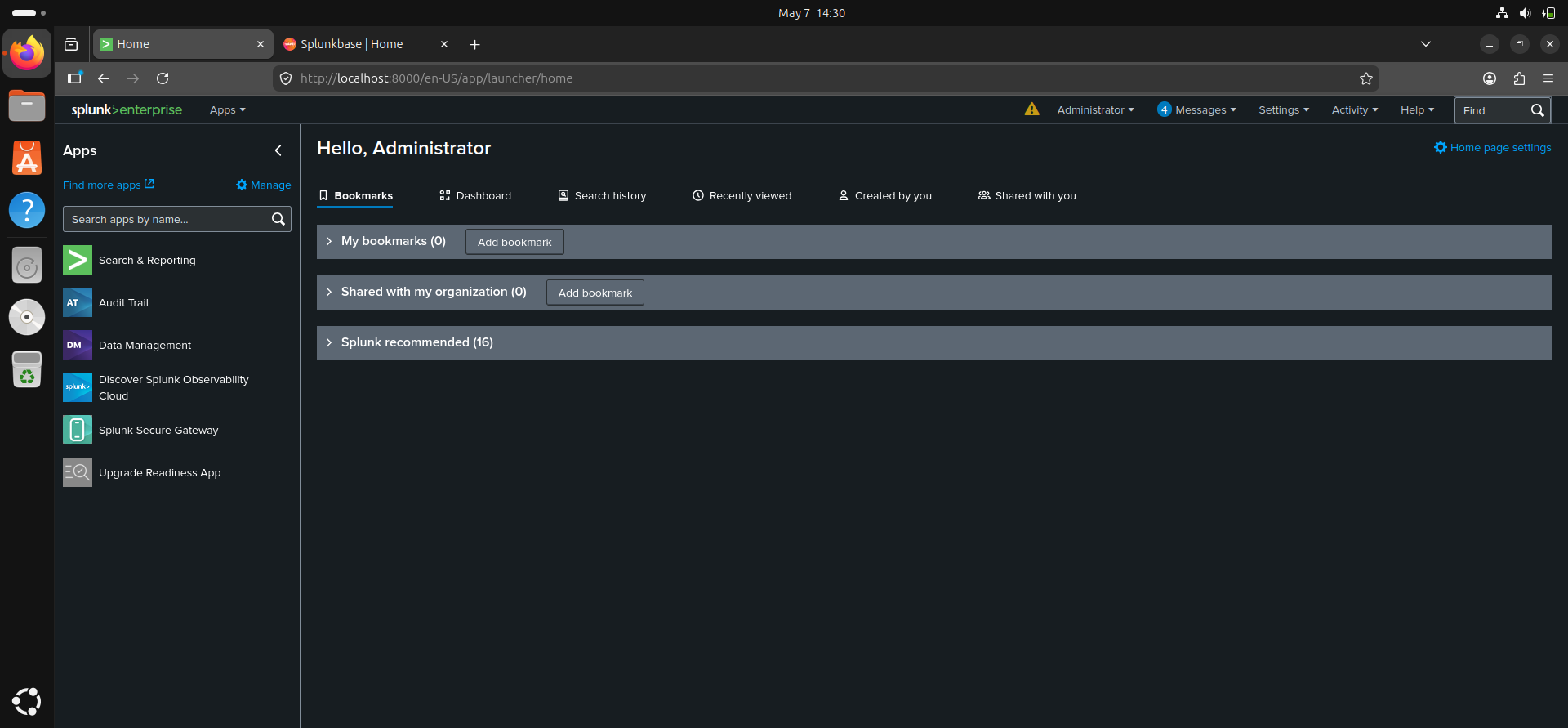
I installed Splunk Enterprise on my Ubuntu virtual machine and configured access through the web interface.
Key setup tasks included:
- Installing Splunk Enterprise
- Starting the Splunk service
- Accessing Splunk through the browser
- Creating indexes
- Uploading and monitoring log files
Phase 2 — Ingesting Logs into Splunk
To begin practicing log analysis, I ingested sample web logs and Windows event logs into Splunk.
This helped me understand:
- Indexing
- Source types
- Time-based searching
- Log parsing
- Event searching
SPL Searches Practiced
index=*
index=* sourcetype=*
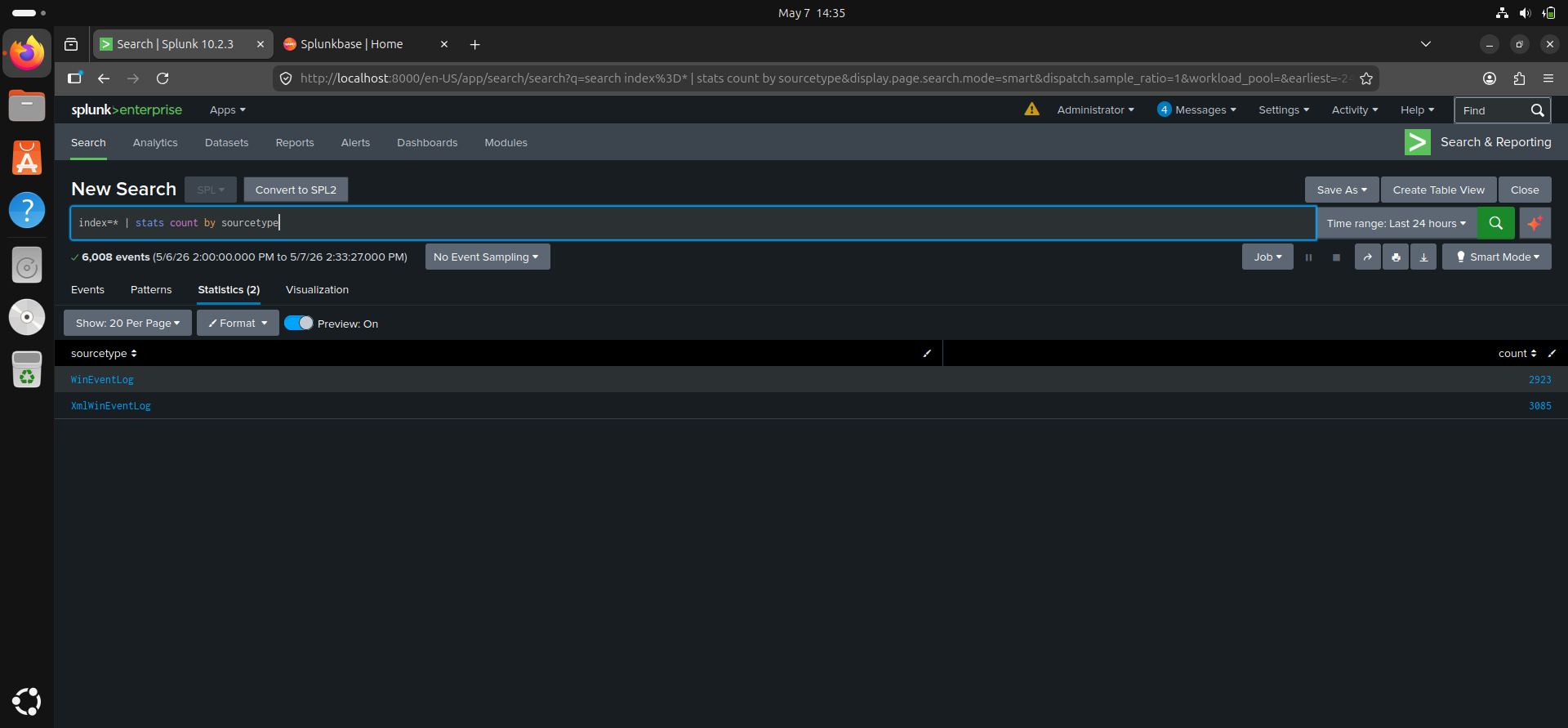
index=* | stats count by sourcetype
index=* | head 20
Skills Learned
- Searching across indexes
- Identifying source types
- Filtering results
- Understanding event structure
- Navigating Splunk dashboards
Phase 3 — Windows Log Monitoring and Log Forwarding
To generate and collect Windows security telemetry, I configured:
- Sysmon on the Windows VM
- Splunk Universal Forwarder on the Windows VM
- Log forwarding from Windows to the Splunk server hosted on Ubuntu
This allowed my Ubuntu-based Splunk instance to ingest:
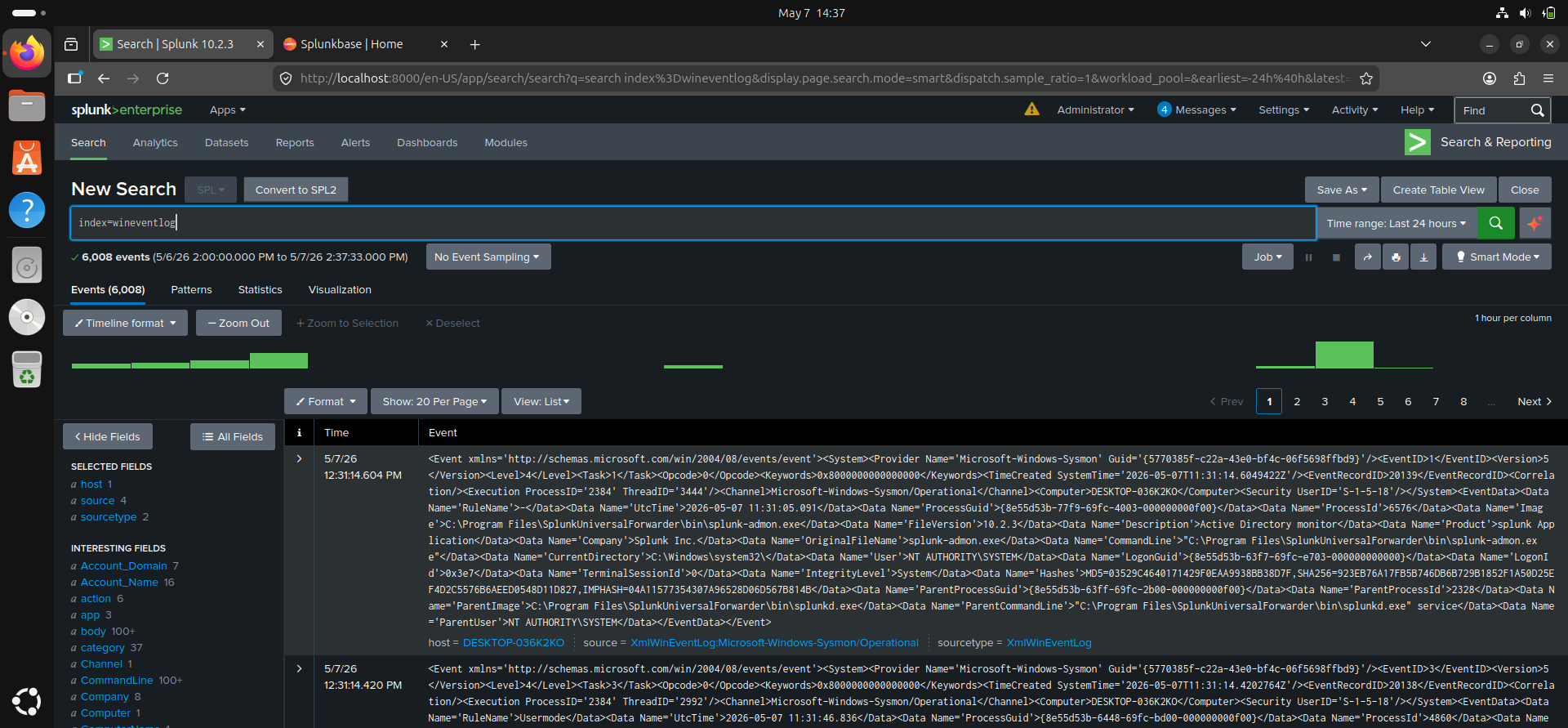
- Windows Security logs
- Authentication events
- System activity
- Endpoint telemetry generated by Sysmon
The goal was to observe and analyze:
- Failed logon attempts
- Successful logons
- Network logons
- Source IP addresses
- Workstation names
- Windows Event IDs related to authentication activity
This setup introduced me to the type of centralized log collection and monitoring workflow commonly used in SOC environments.
Phase 4 — Detecting Suspicious Authentication Activity Using Windows Event Logs
One of the most important exercises in this lab involved identifying suspicious login behavior.
During testing, I generated:
- Multiple failed login attempts
- A successful login afterward
- A network logon from the Kali Linux machine
The Windows logs showed:
- Logon Type 3 (Network Logon)
- Source IP address from the Kali machine
- Workstation name identified as “kali”
- Several failed attempts before success
This pattern is important because repeated failed logons followed by a successful authentication can indicate:
- Password spraying
- Brute-force activity
- Unauthorized access attempts
- Credential guessing
SPL Query Used
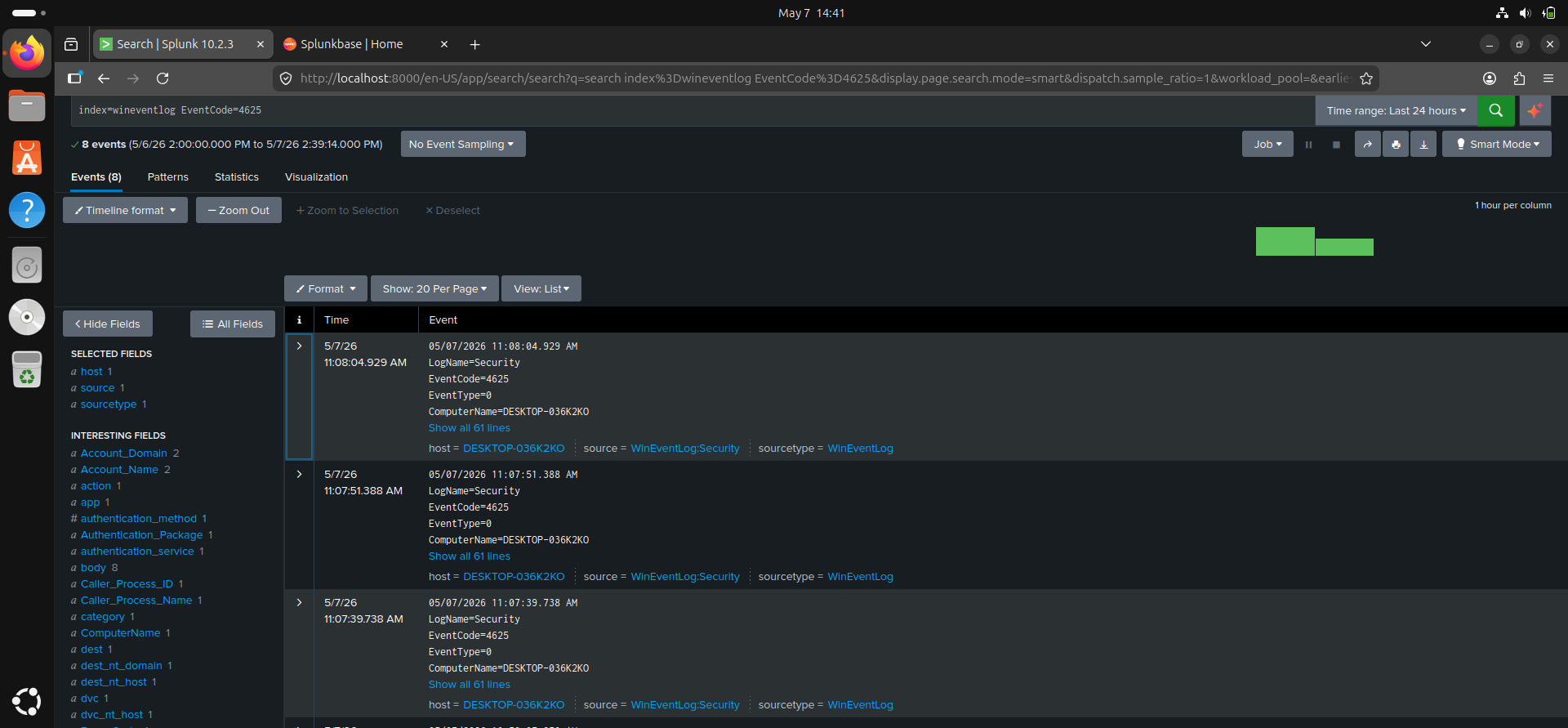
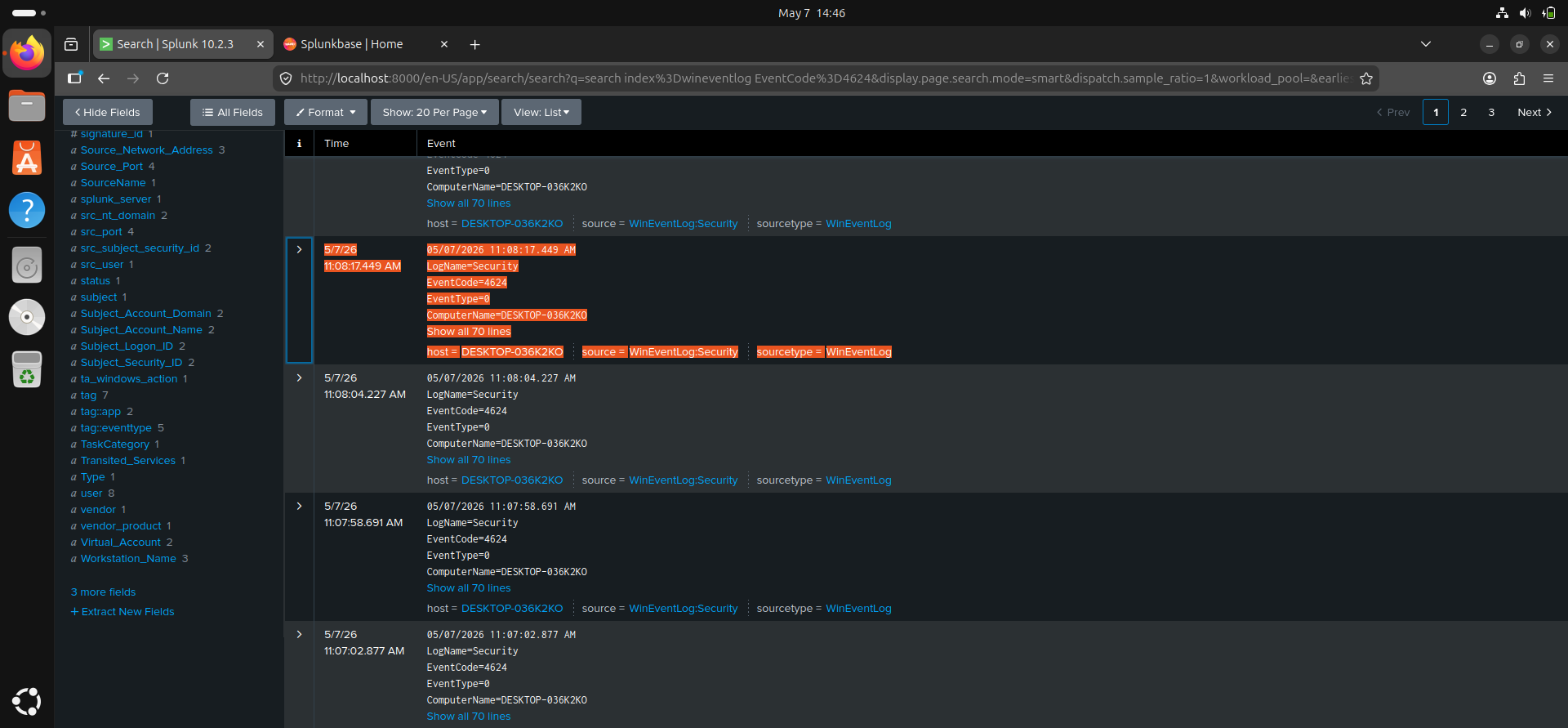
index=* EventCode=4625 OR EventCode=4624
What I Observed
- Event ID 4625 represented failed logon attempts
- Event ID 4624 represented successful logons
- Logon Type 3 indicated a network authentication
- The source IP identified the originating system
This exercise helped me understand how SOC analysts correlate events to identify suspicious behavior.
Key Concepts Learned
Through this project, I gained practical exposure to:
- SIEM fundamentals
- Splunk search and analysis
- Windows authentication logs
- Event correlation
- Log investigation workflows
- Identifying suspicious authentication patterns
- Building and managing a virtual SOC lab
Challenges Encountered
Some of the challenges I encountered included:
- Configuring VM networking correctly
- Ensuring all VMs communicated on the same subnet
- Learning Splunk SPL syntax
- Understanding Windows Event IDs
- Troubleshooting log ingestion issues
Resolving these issues improved my troubleshooting and analytical skills.
Future Improvements
Next steps for this lab include:
- Creating custom correlation searches
- Building authentication anomaly detections
- Developing Splunk dashboards for failed/successful logons
- Simulating additional attack scenarios
- Expanding Sysmon monitoring coverage
- Creating custom dashboards
- Building detection rules and alerts
- Simulating brute-force attacks in a controlled environment
- Integrating additional log sources
Conclusion
This project helped me move beyond theory into practical SOC analysis.
By building a small Splunk lab environment and analyzing authentication logs, I developed foundational SIEM skills that are relevant to entry-level cybersecurity and SOC analyst roles.
The experience also improved my understanding of:
- Log analysis
- Security monitoring
- Authentication investigations
- Event correlation
- Basic threat detection workflows
This is an ongoing learning project, and I plan to continue expanding the lab with additional data sources, detections, and attack simulations.
```